> ## Documentation Index
> Fetch the complete documentation index at: https://help.ip2up.com/llms.txt
> Use this file to discover all available pages before exploring further.
# 注册登录
平台的所有代理产品均需要在海外网络环境下使用,海外网络环境需要客户自行配置。
本文将介绍如何在 **[Ip2up](https://www.Ip2up.com/zh-cn/)** 平台从登录到使用IP端口服务的基本流程。
### 注册账号
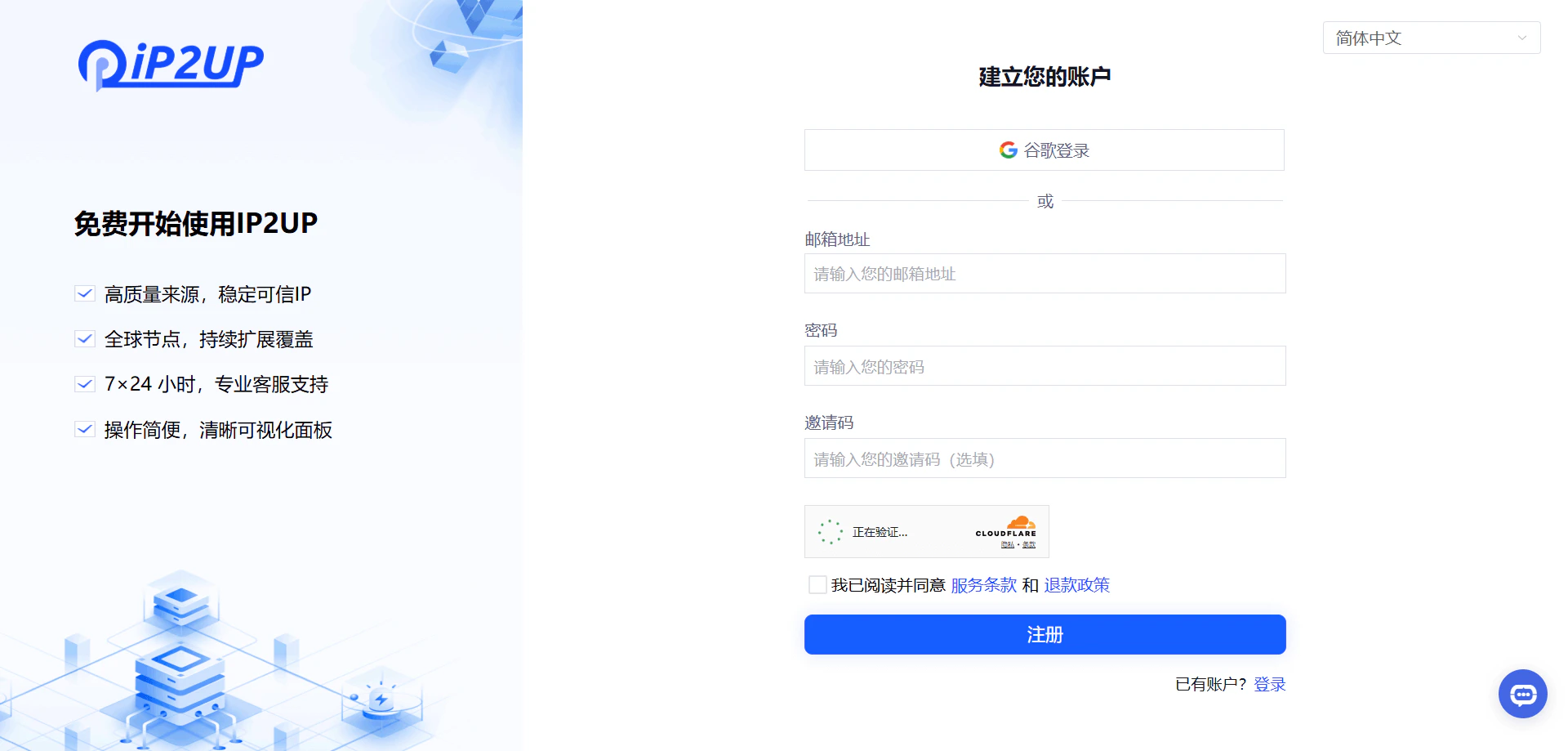
进入浏览器打开 [Ip2up.com](https://www.ip2up.com/),点击注册按钮,填写个人信息并选择通过邮箱方式完成注册。
 ### 登录账号
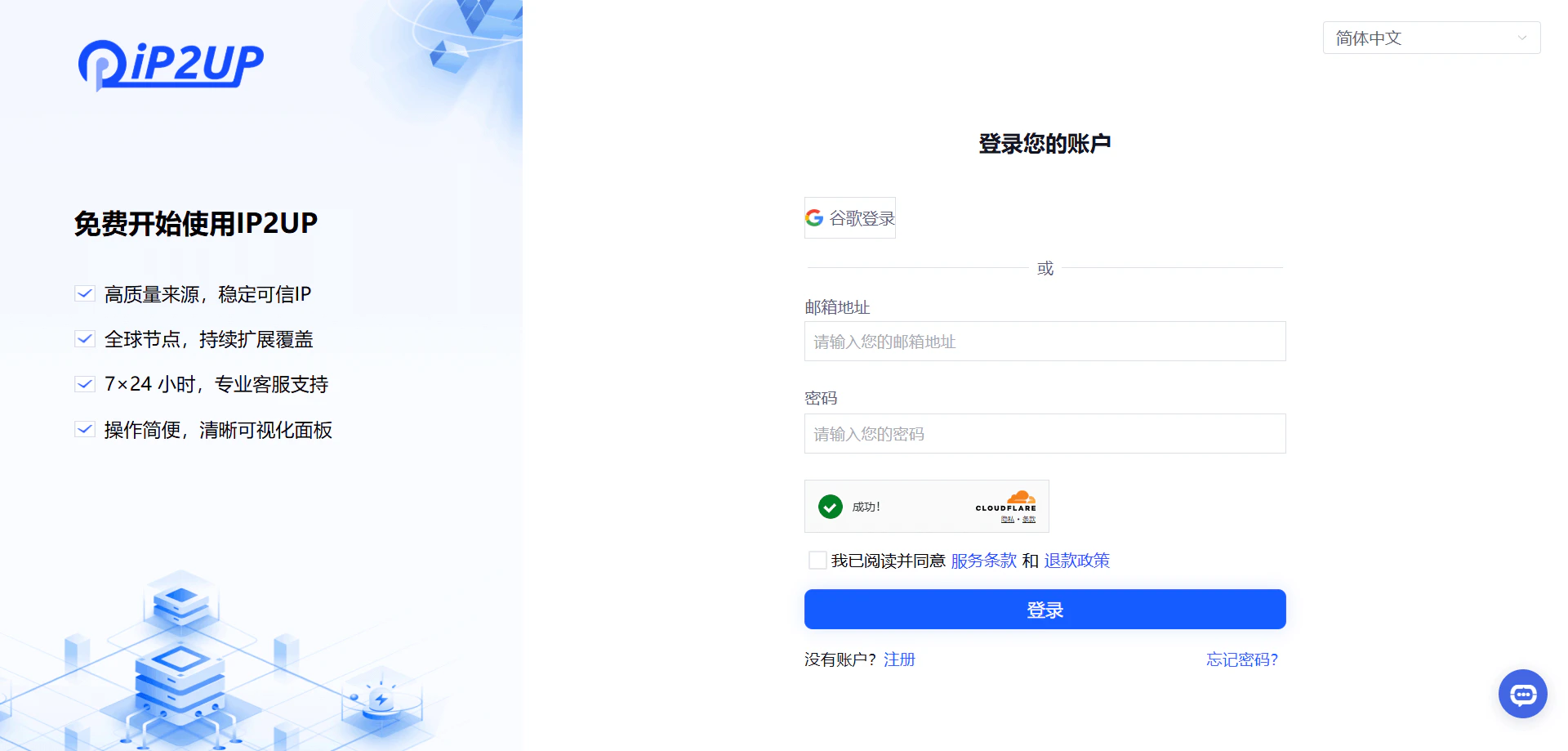
注册完成后,返回浏览器打开 [Ip2up.com](https://www.ip2up.com/) 登录账号。系统支持使用邮箱或Google账号方式登录。
### 登录账号
注册完成后,返回浏览器打开 [Ip2up.com](https://www.ip2up.com/) 登录账号。系统支持使用邮箱或Google账号方式登录。
 ### 查看账户状态
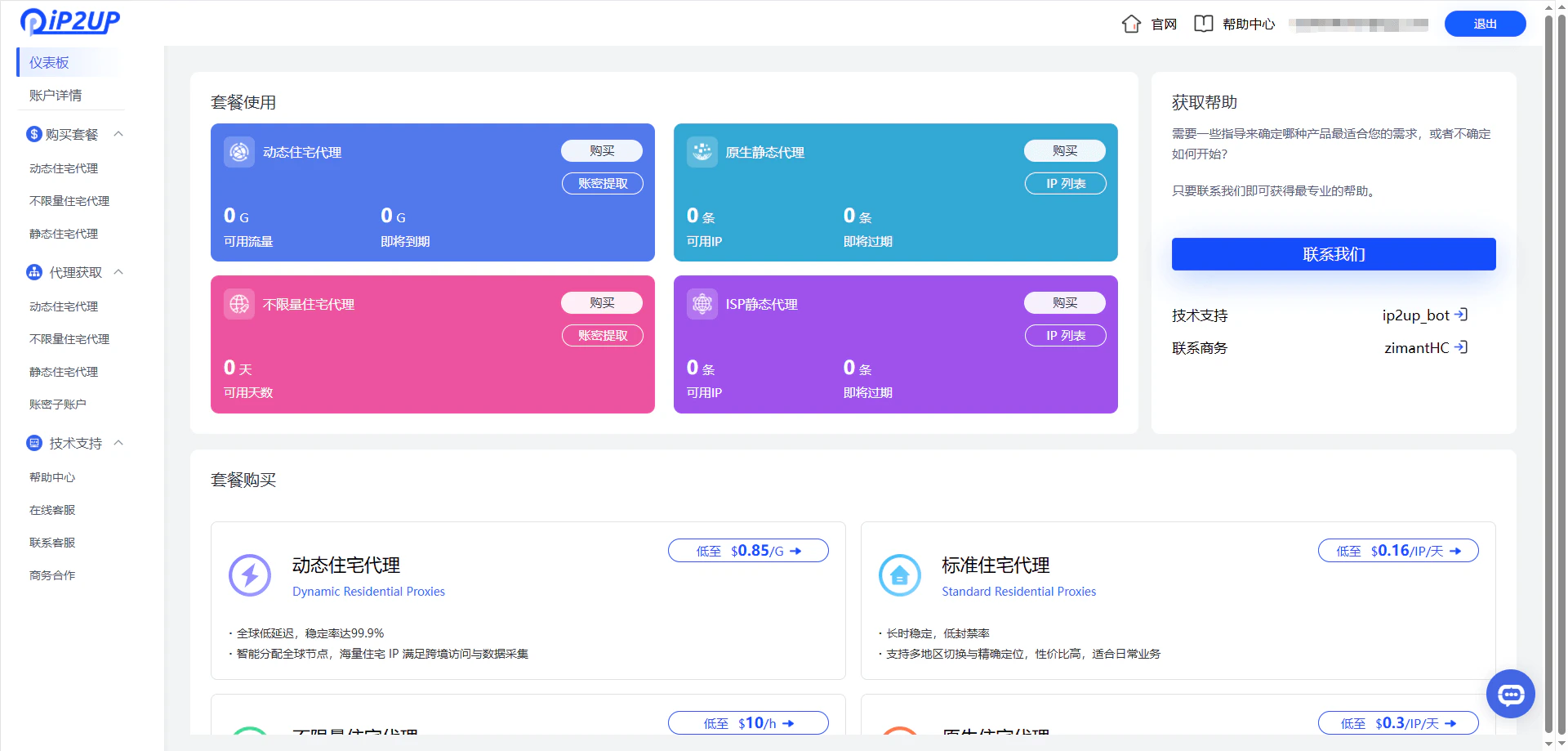
登录进入系统后,可在个人中心查看套餐购买情况,新注册的账户默认没有可使用的IP资源。
### 查看账户状态
登录进入系统后,可在个人中心查看套餐购买情况,新注册的账户默认没有可使用的IP资源。
 ✅ **至此,Ip2up平台注册登录基本流程已完成。**