> ## Documentation Index
> Fetch the complete documentation index at: https://help.ip2up.com/llms.txt
> Use this file to discover all available pages before exploring further.
# 账密子账号
平台的所有代理产品均需要在海外网络环境下使用,海外网络环境需要客户自行配置。
本文将介绍如何在 **[Ip2up](https://www.Ip2up.com/zh-cn/)** 平台添加和管理子账号。
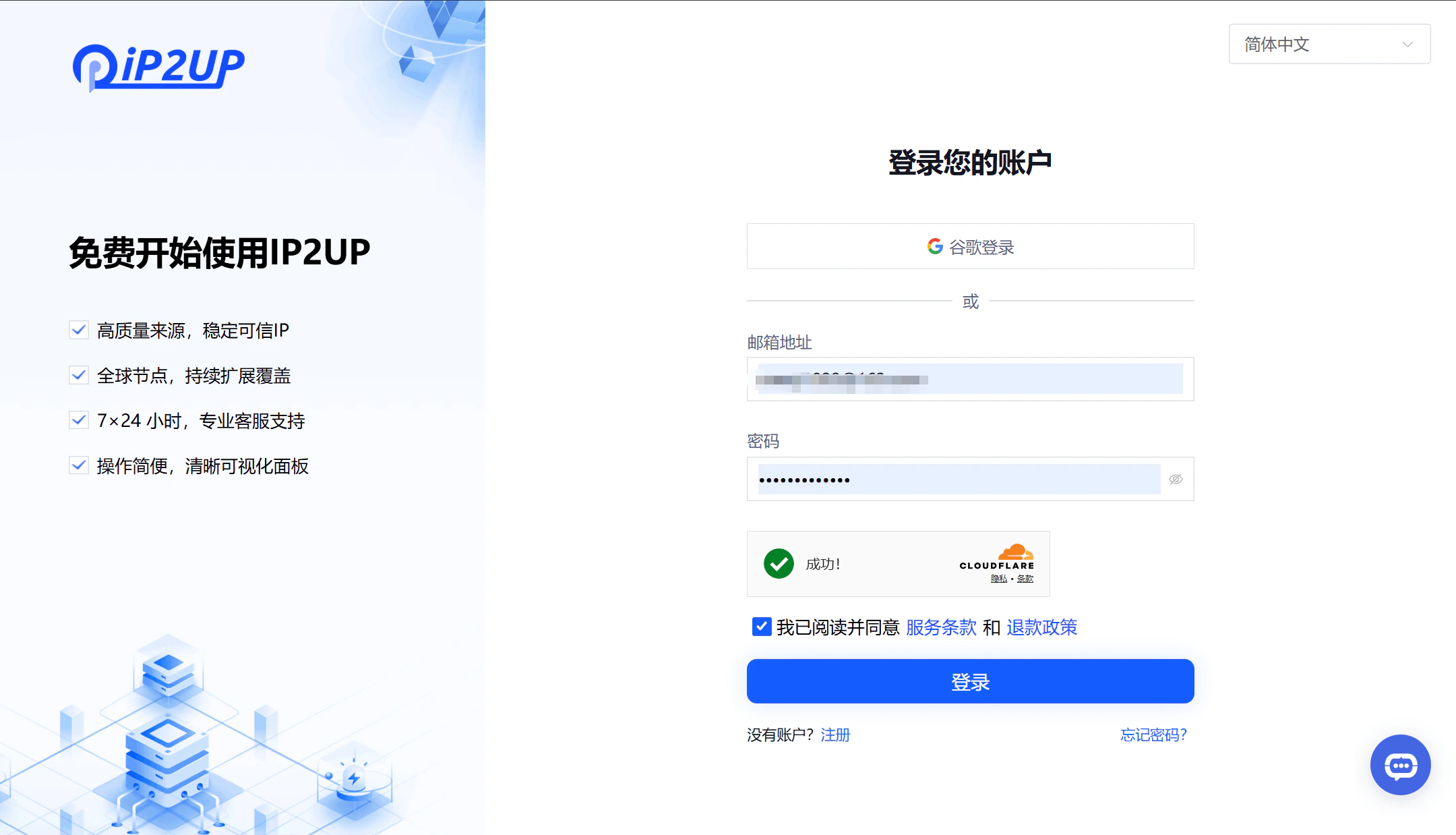
### 1. 登录代理平台
1、打开浏览器并访问 [Ip2up官网](https://www.ip2up.com/),输入账号密码登录系统。
 ### 2. 创建子账号
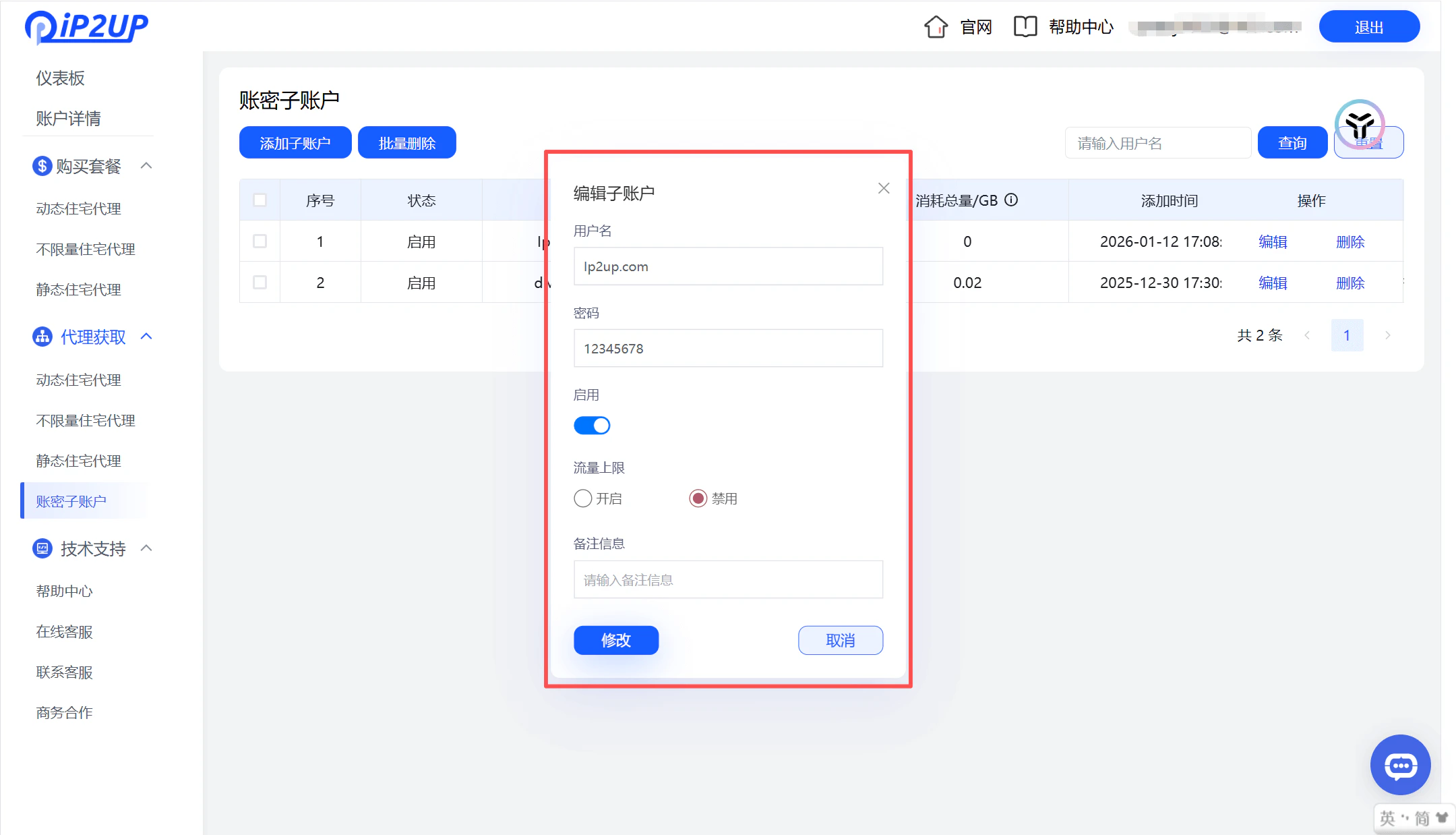
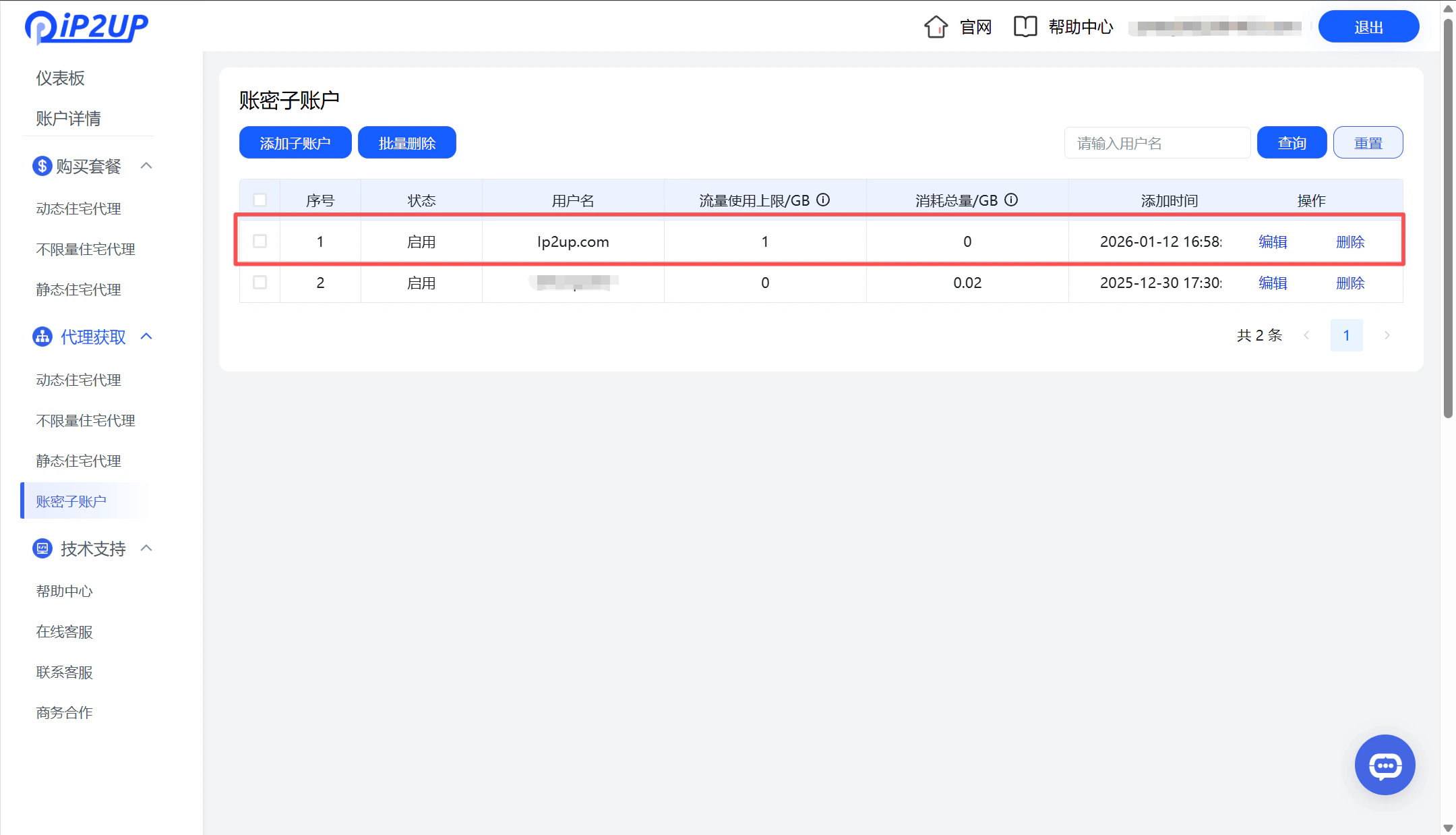
1. 登录成功后,点击左侧菜单栏中的 **\[账密子账号]**
2. 点击 **\[添加子账号]** 按钮
3. 在弹出的编辑窗口中填写以下信息:
* 子账号名称
* 密码
* 启用状态(是否开启)
* 不限制流量使用
4. 填写完成后点击 **\[添加]**
5. 系统将显示新创建的子账号信息
### 2. 创建子账号
1. 登录成功后,点击左侧菜单栏中的 **\[账密子账号]**
2. 点击 **\[添加子账号]** 按钮
3. 在弹出的编辑窗口中填写以下信息:
* 子账号名称
* 密码
* 启用状态(是否开启)
* 不限制流量使用
4. 填写完成后点击 **\[添加]**
5. 系统将显示新创建的子账号信息