> ## Documentation Index
> Fetch the complete documentation index at: https://help.ip2up.com/llms.txt
> Use this file to discover all available pages before exploring further.
# 帳密子帳號
平台的所有代理產品均需要在海外網路環境下使用,海外網路環境需要客戶自行配置。
本文將介紹如何在 **[Ip2up](https://www.Ip2up.com/zh-tw/)** 平台添加和管理子帳號。
### 1. 登入代理平台
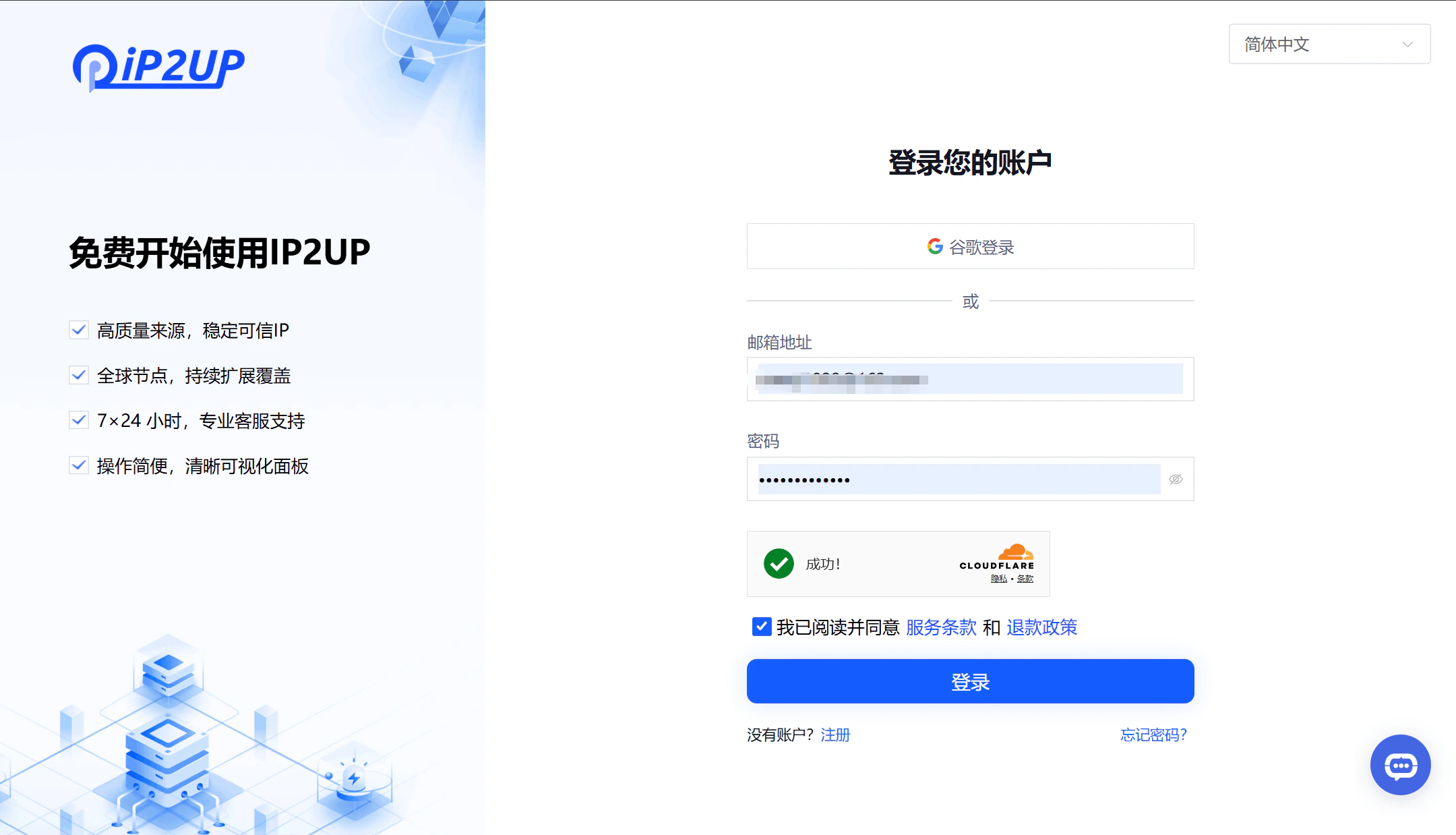
1、打開瀏覽器並訪問 [Ip2up官方網站](https://www.ip2up.com/),輸入帳號密碼登入系統。
 ### 2. 創建子帳號
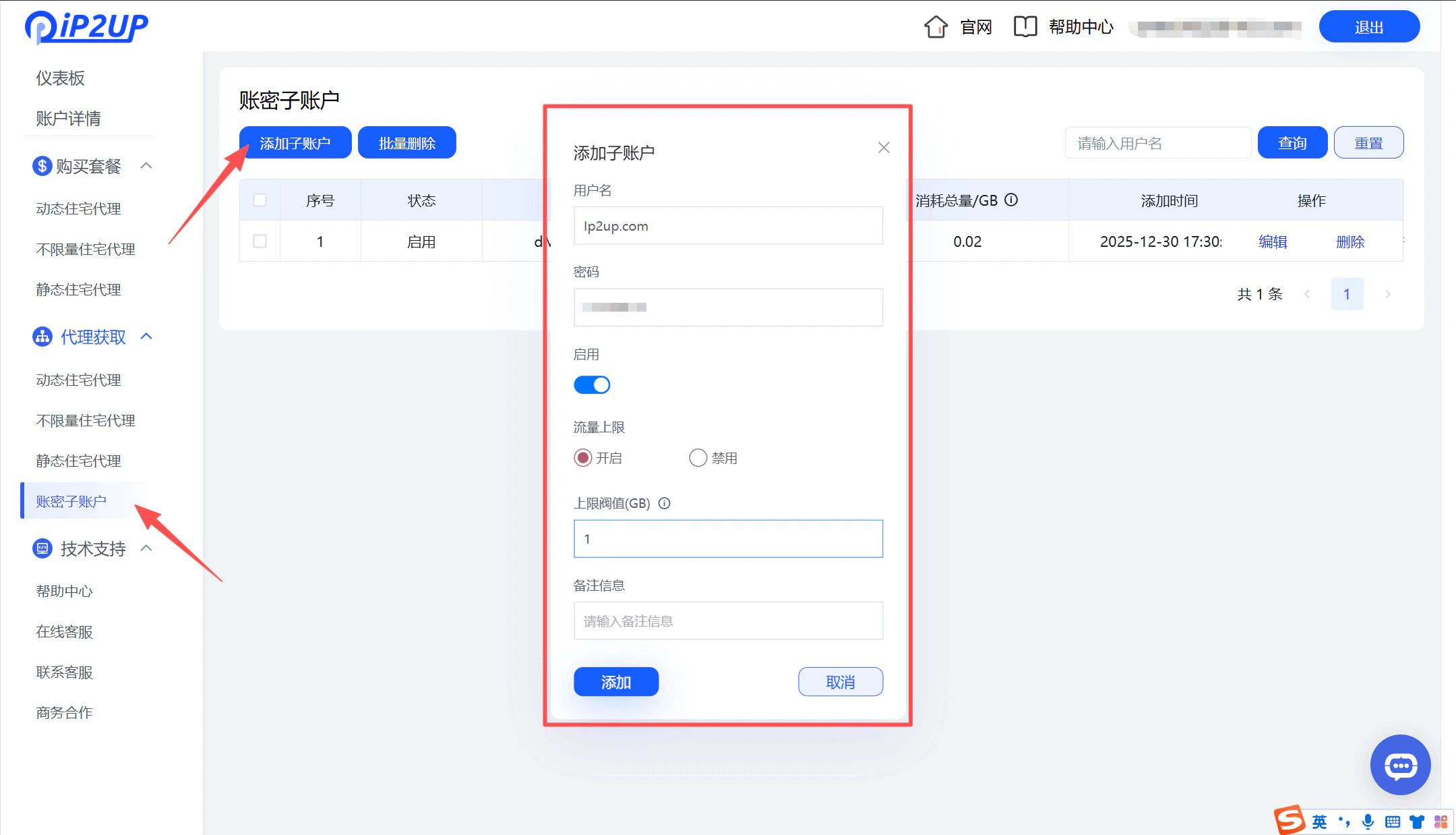
1. 登入成功後,點擊左側菜單欄中的 **\[帳密子帳號]**
2. 點擊 **\[添加子帳號]** 按鈕
3. 在彈出的編輯視窗中填寫以下資訊:
* 子帳號名稱
* 密碼
* 啟用狀態(是否開啟)
* 流量上限設定
4. 填寫完成後點擊 **\[添加]**
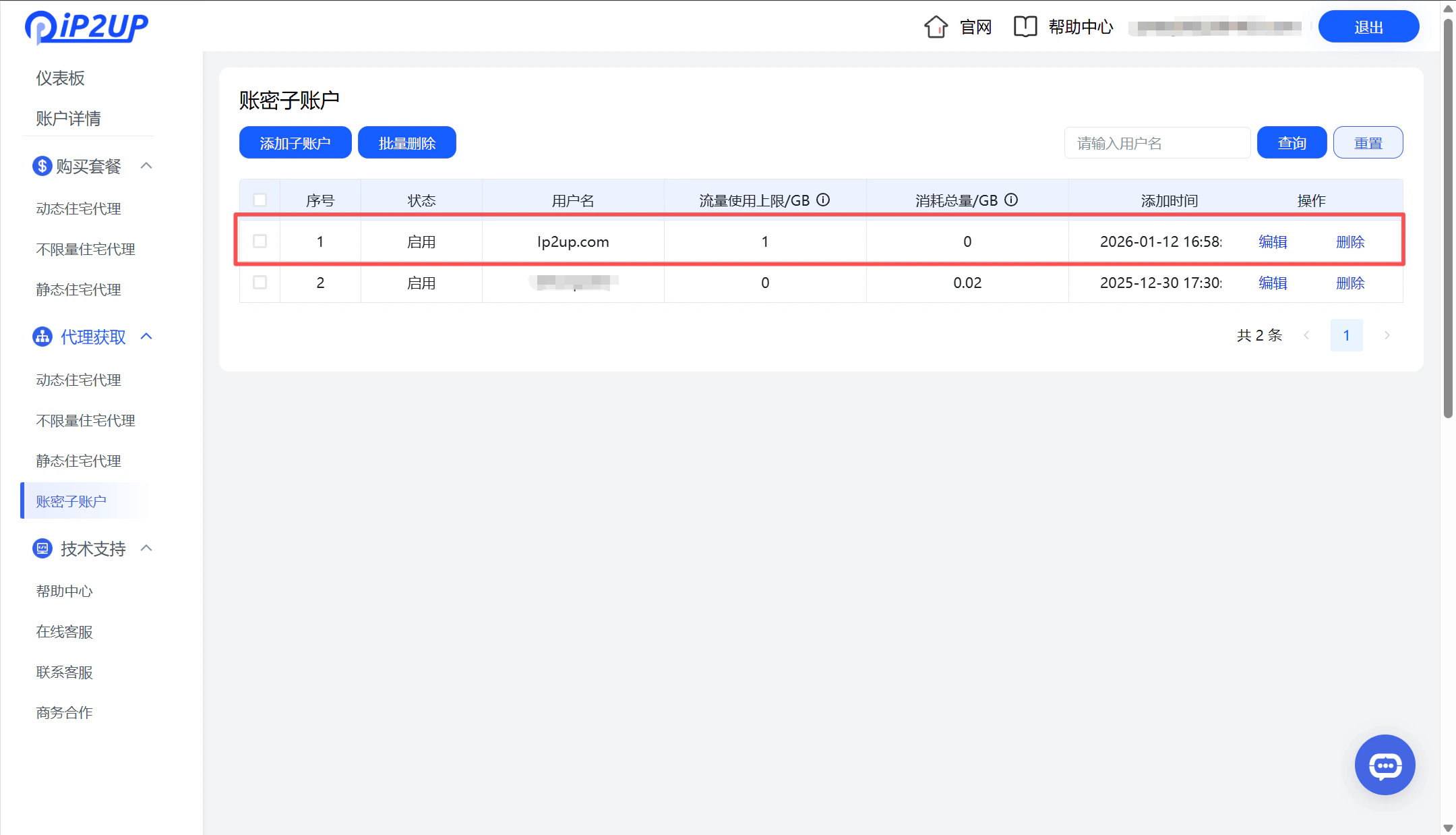
5. 系統將顯示新創建的子帳號資訊
### 2. 創建子帳號
1. 登入成功後,點擊左側菜單欄中的 **\[帳密子帳號]**
2. 點擊 **\[添加子帳號]** 按鈕
3. 在彈出的編輯視窗中填寫以下資訊:
* 子帳號名稱
* 密碼
* 啟用狀態(是否開啟)
* 流量上限設定
4. 填寫完成後點擊 **\[添加]**
5. 系統將顯示新創建的子帳號資訊