> ## Documentation Index
> Fetch the complete documentation index at: https://help.ip2up.com/llms.txt
> Use this file to discover all available pages before exploring further.
# 註冊登入
平台的所有代理產品均需要在海外網路環境下使用,海外網路環境需要客戶自行配置。
本文將介紹如何在 **[Ip2up](https://www.Ip2up.com/zh-cn/)** 平台從登入到使用IP端口服務的基本流程。
### 註冊帳號
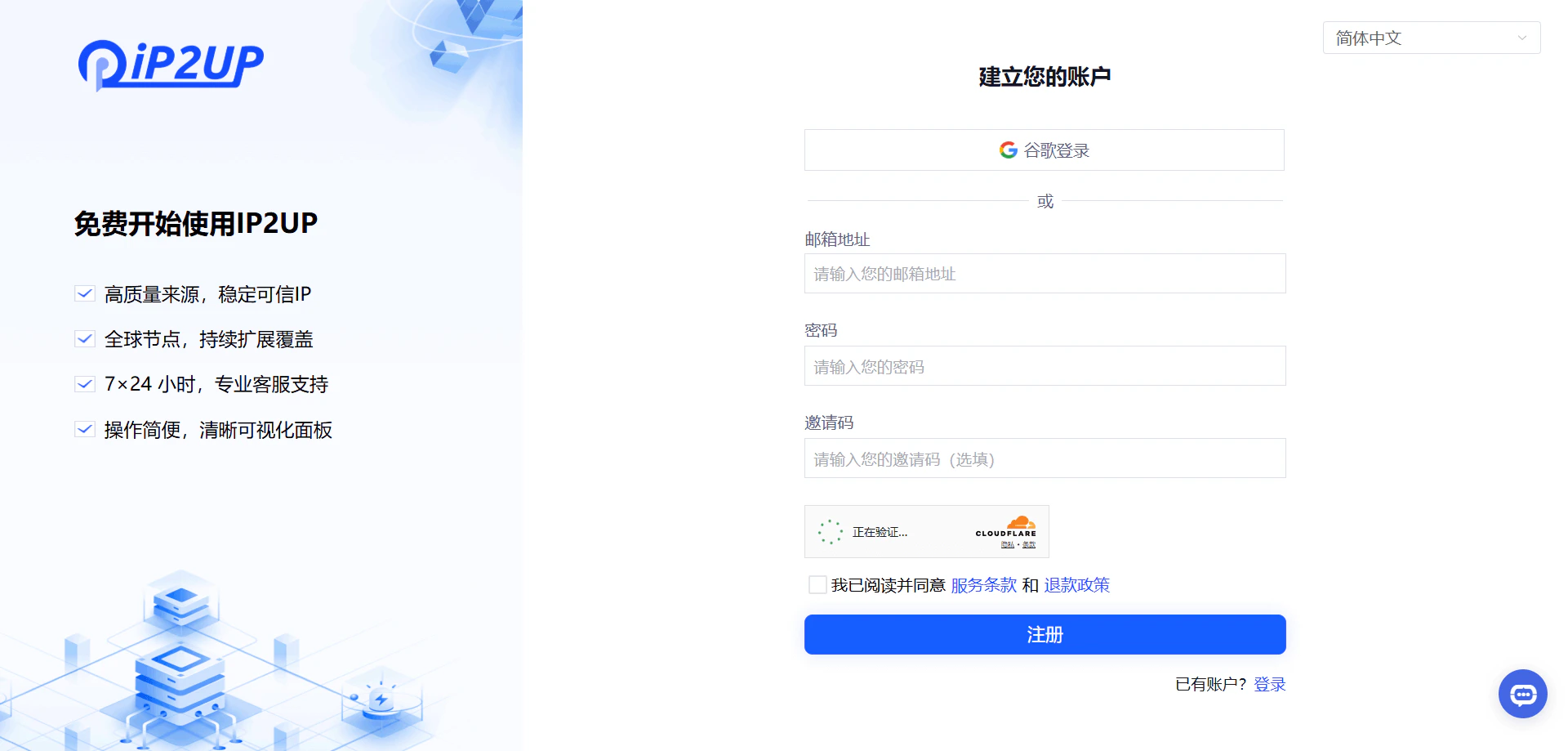
進入瀏覽器打開 [Ip2up.com](https://www.ip2up.com/),點擊註冊按鈕,填寫個人資訊並選擇通過郵箱方式完成註冊。
 ### 登入帳號
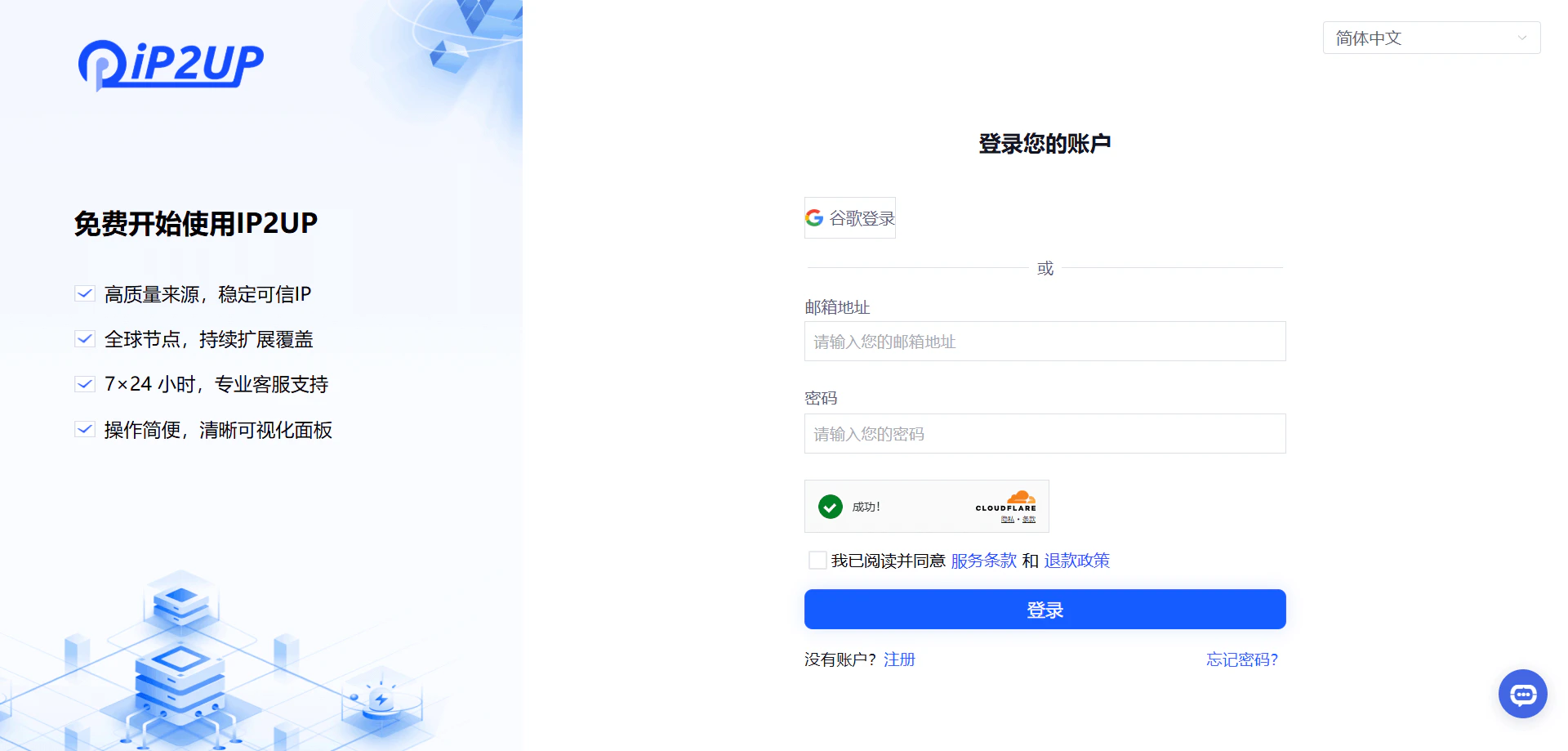
註冊完成後,返回瀏覽器打開 [Ip2up.com](https://www.ip2up.com/) 登入帳號。系統支援使用郵箱或Google帳號方式登入。
### 登入帳號
註冊完成後,返回瀏覽器打開 [Ip2up.com](https://www.ip2up.com/) 登入帳號。系統支援使用郵箱或Google帳號方式登入。
 ### 查看帳戶狀態
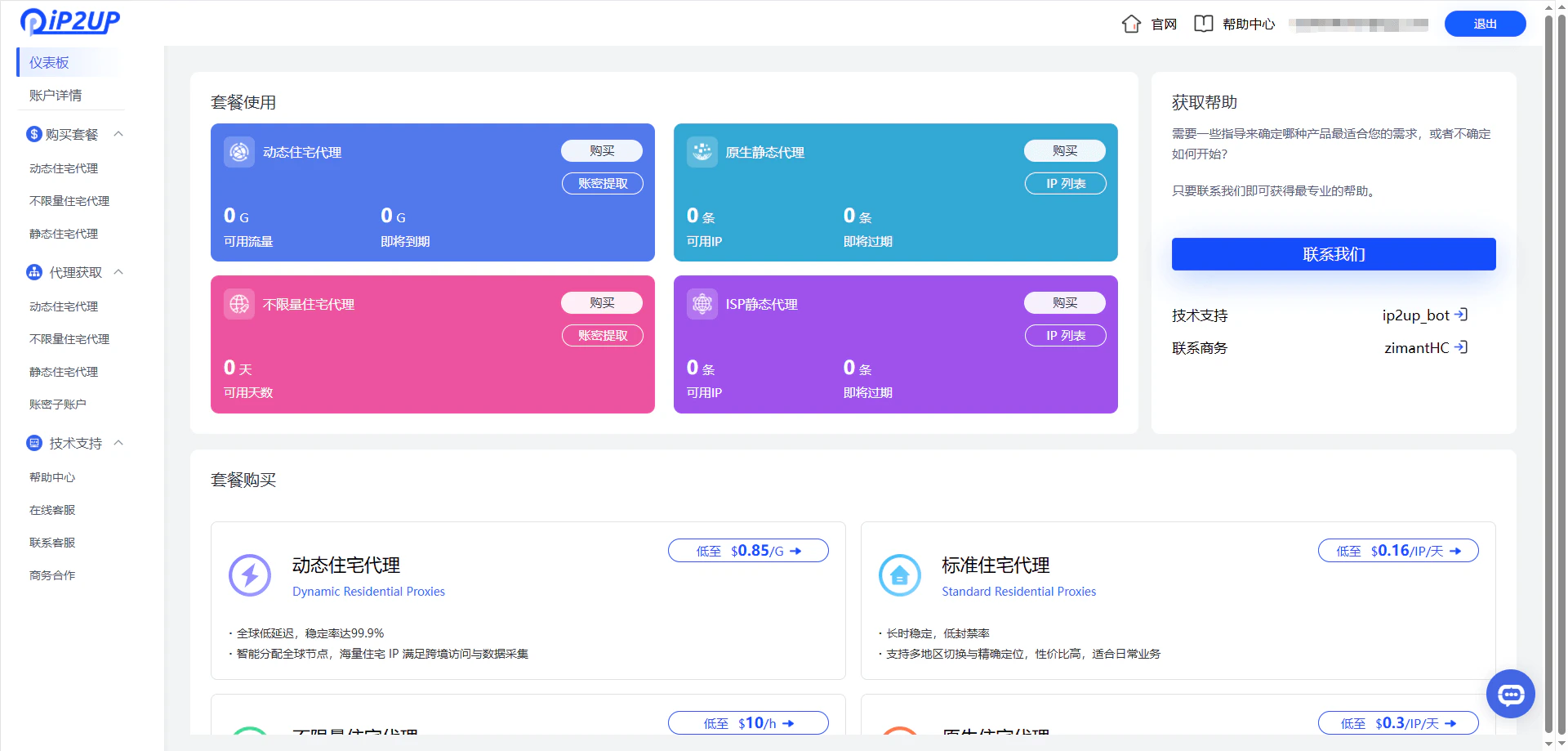
登入進入系統後,可在個人中心查看套餐購買情況,新註冊的帳號默認沒有可使用的IP資源。
### 查看帳戶狀態
登入進入系統後,可在個人中心查看套餐購買情況,新註冊的帳號默認沒有可使用的IP資源。
 ✅ **至此,Ip2up平台註冊登入基本流程已完成。**