Register Account
Open Ip2up.com in your browser, click the registration button, fill in personal information, and complete registration via email.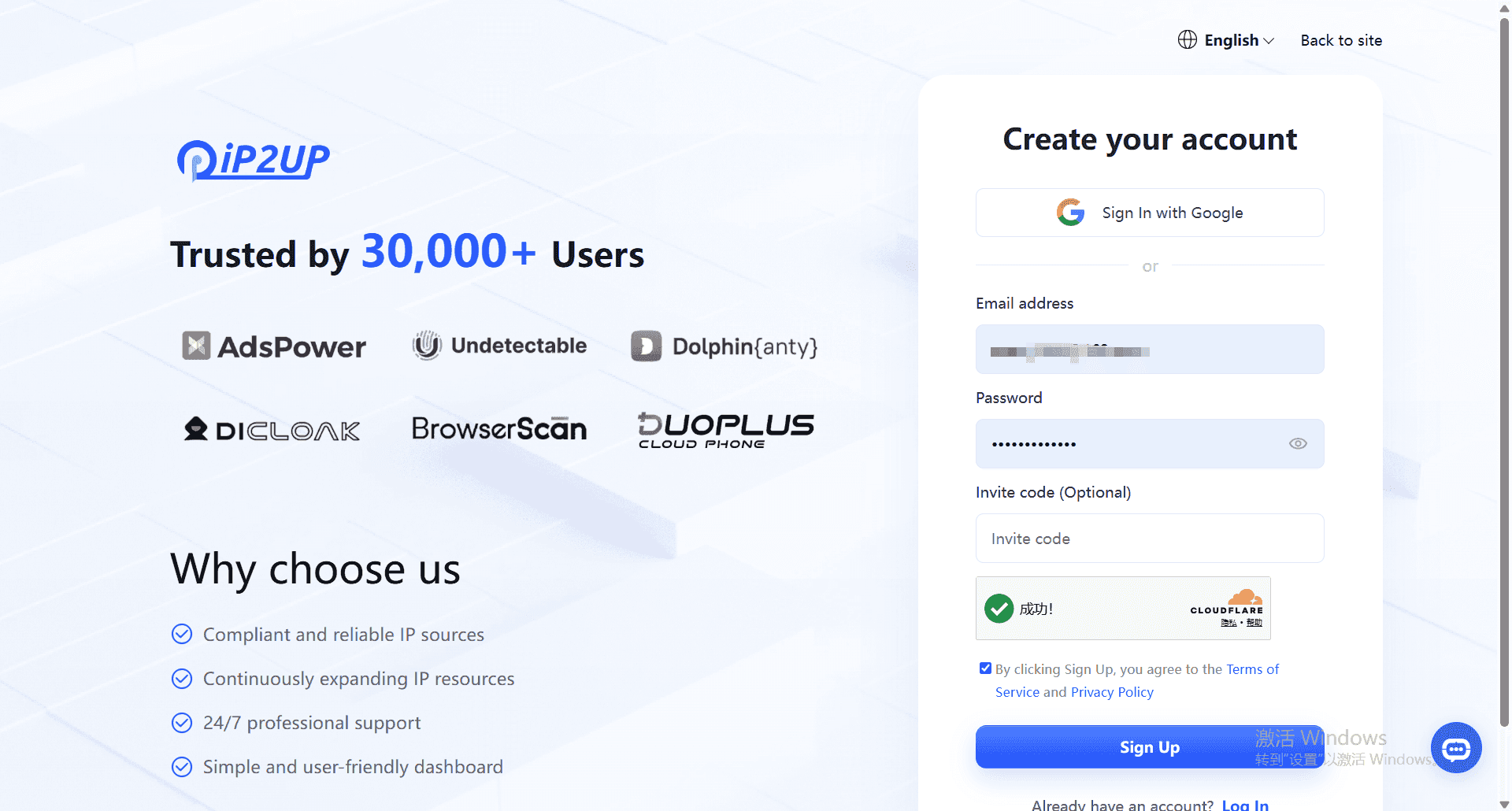
Login Account
After registration is complete, return to the browser and open Ip2up.com to log in. The system supports login via email or Google account.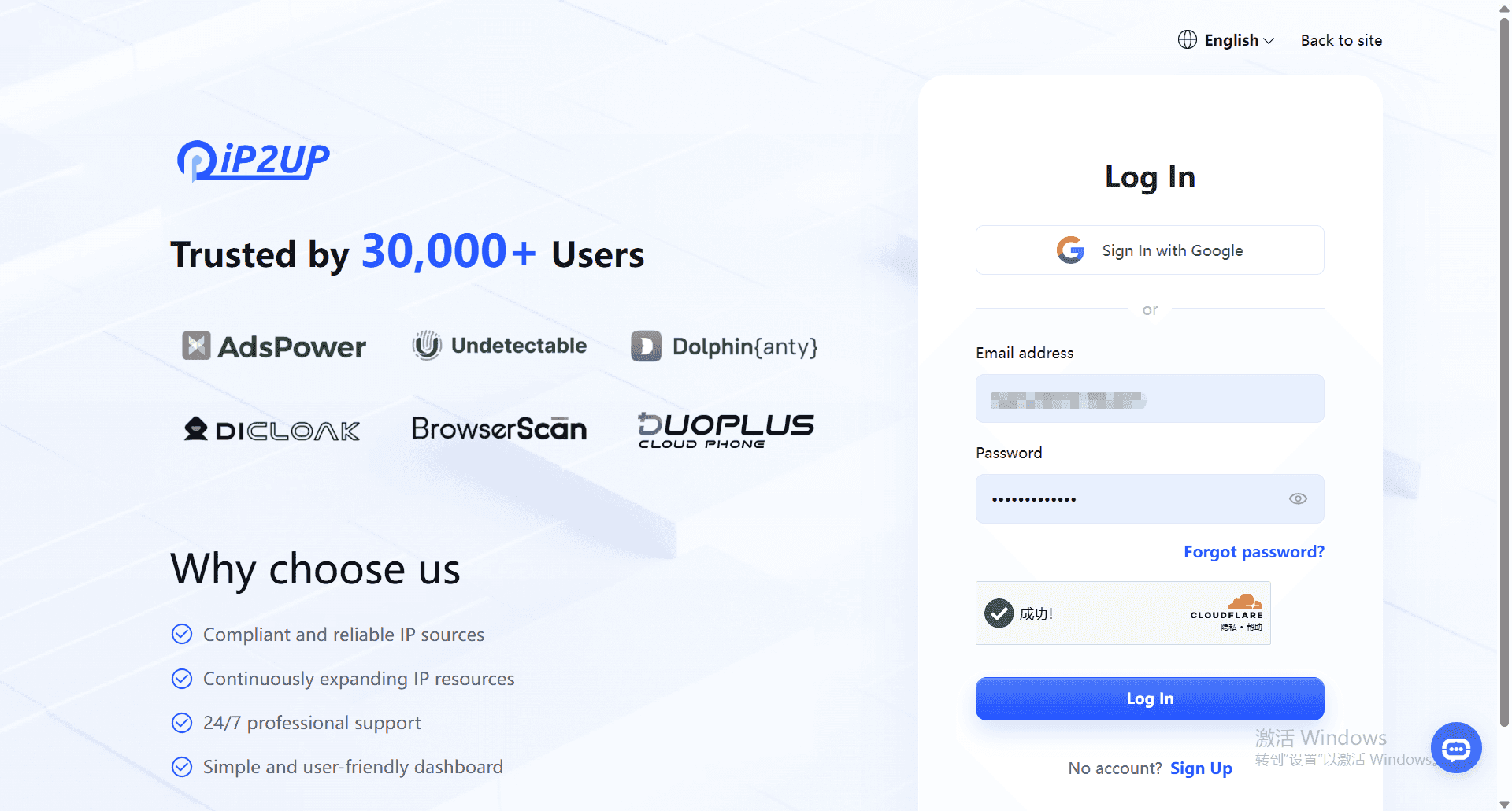
View Account Status
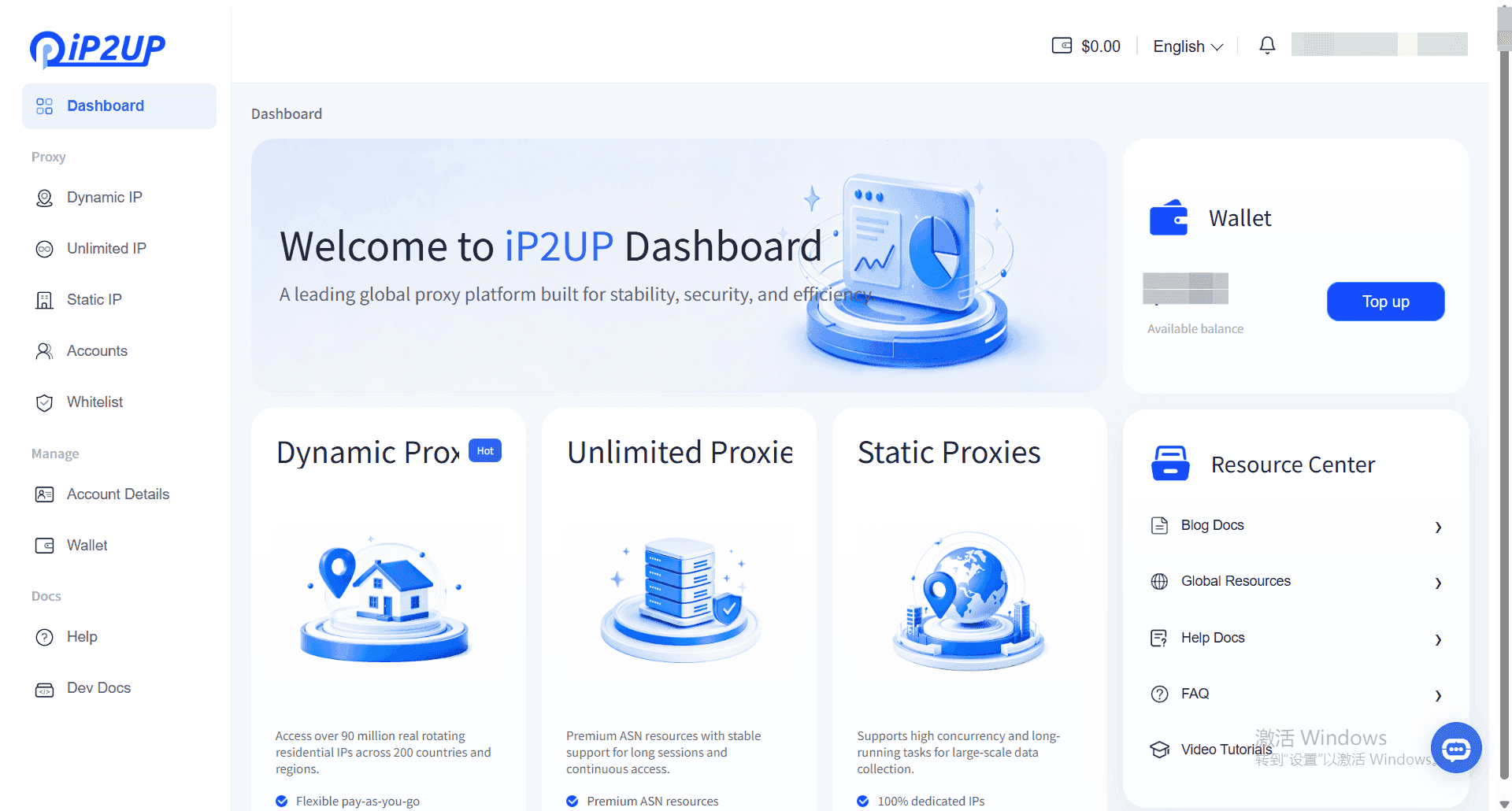
After logging into the system, you can view package purchase information in the personal center. Newly registered accounts have no usable IP resources by default.