All proxy products of the platform need to be used in an overseas network environment, which requires customers to configure themselves.
2. View Traffic Usage Details
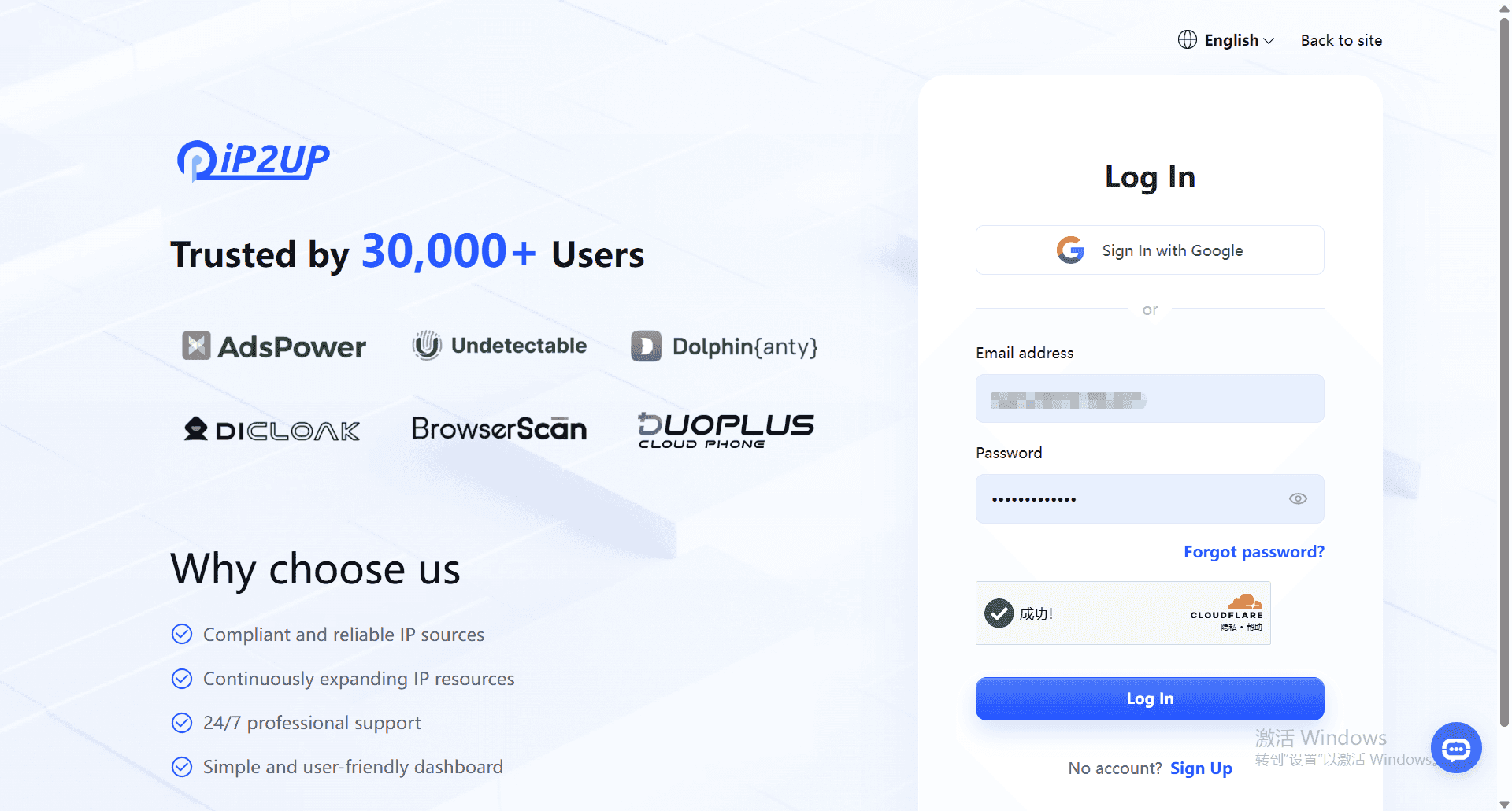
After logging in, the system will automatically redirect you to the user center dashboard:
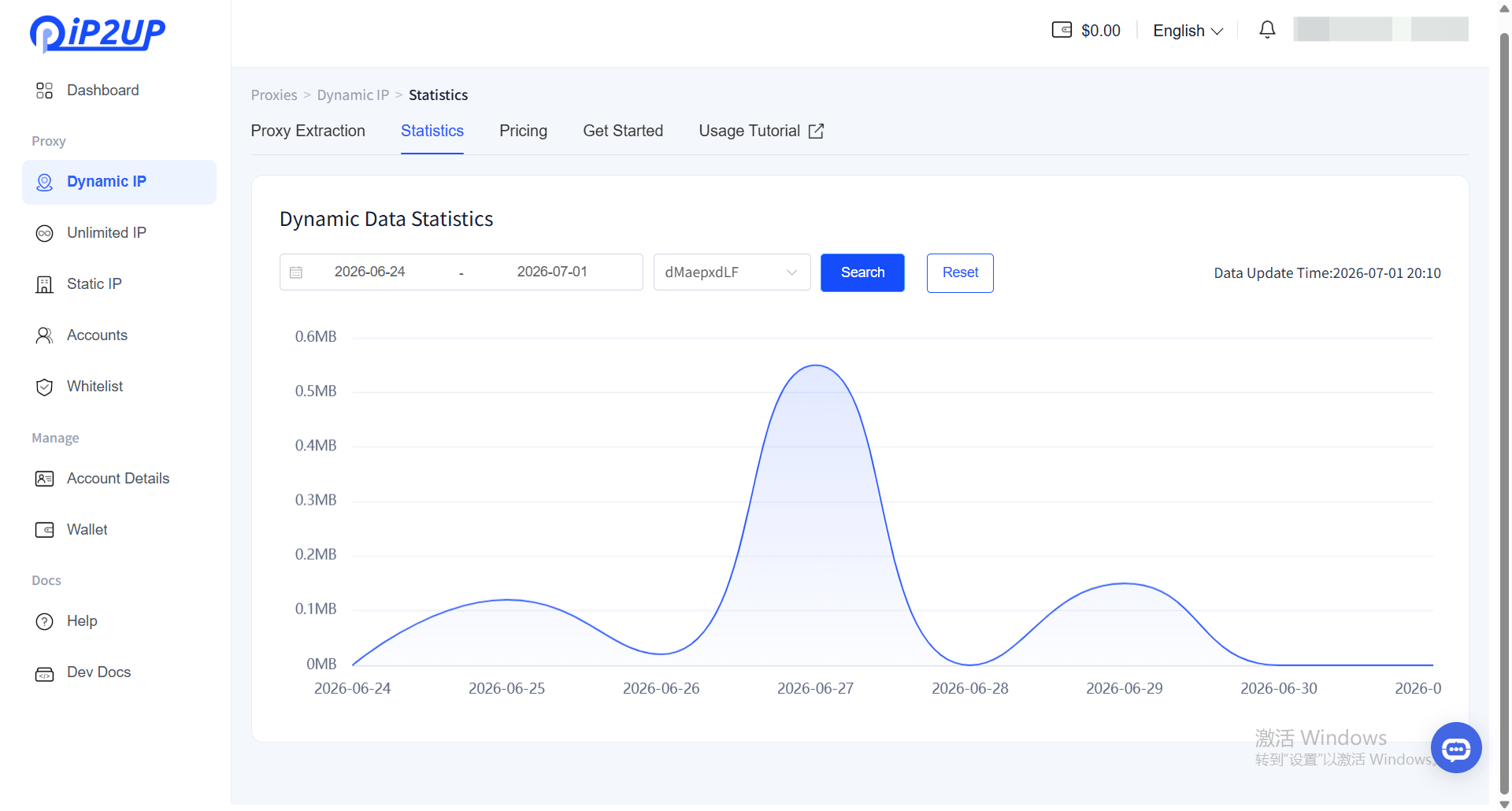
- Click 「Dynamic Residential Proxy」 in the left menu bar.
- The page will display the purchased package information
- Click 「Statistics」
- Select the corresponding account to view detailed traffic usage information
Last modified on July 30, 2026